Image

See Steve Ford get himself in a pickle.
Check out Steve Ford's adventures traversing a portion of our Fermented Trail. His stops at The Pickled Chef and Kimchee Girl are sure to inspire some tangy travels. Rally your brine-loving buds and hit the trail.
Image
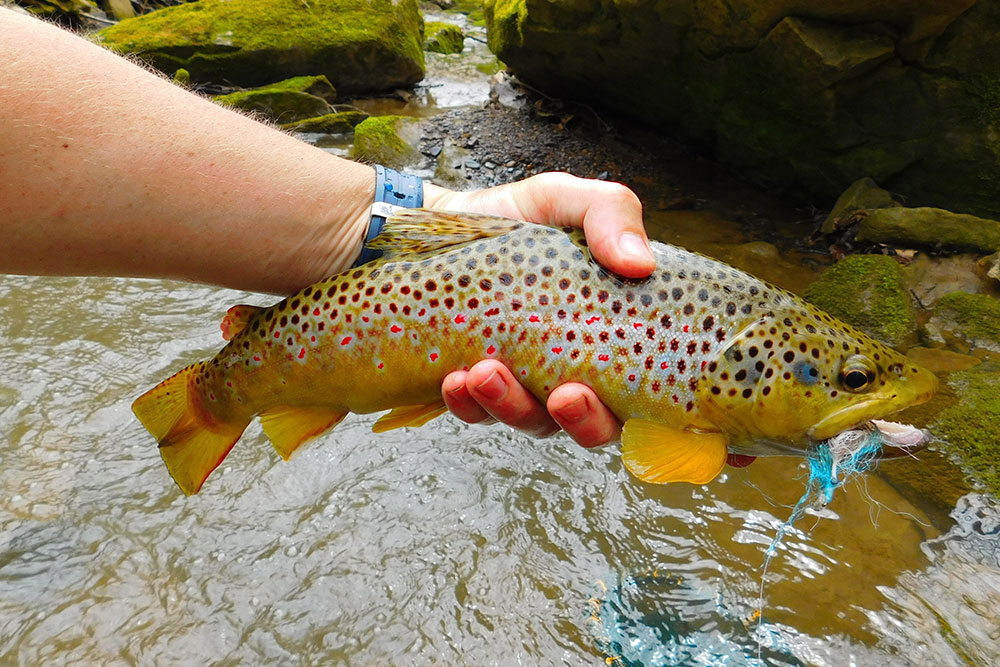
Fish are biting in PA!
With 86,000 miles of streams, PA is an angler's dream. Drop a line to your fishing buddies and reel in a big one today!
Image
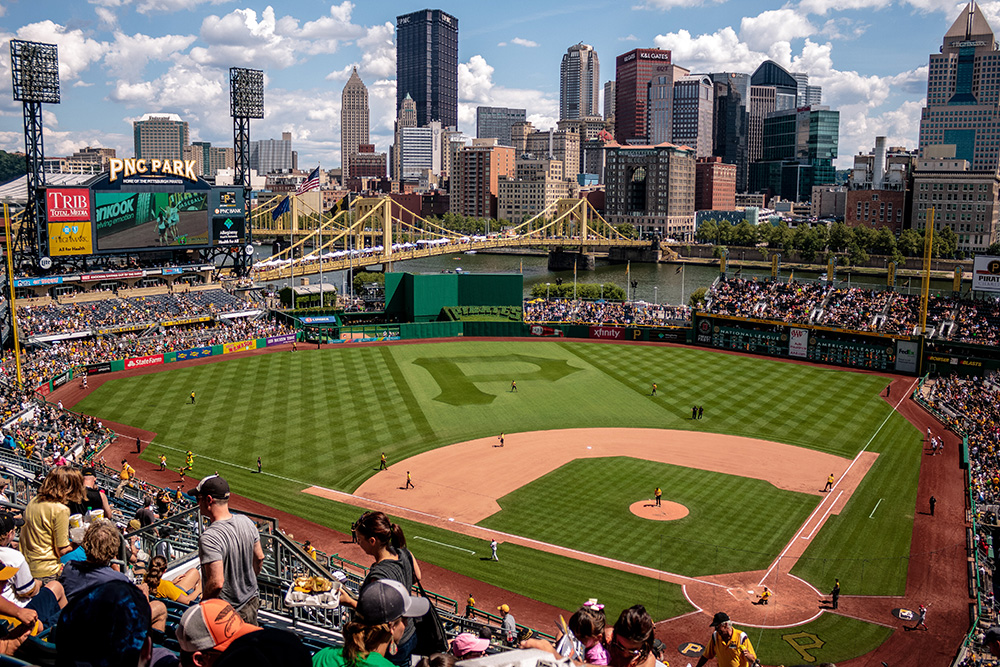
PA ballparks are a homerun!
There's nothing like a day at the ball game. Get your friends and fam together and catch a game in PA.
Get Inspired
View All ArticlesImage
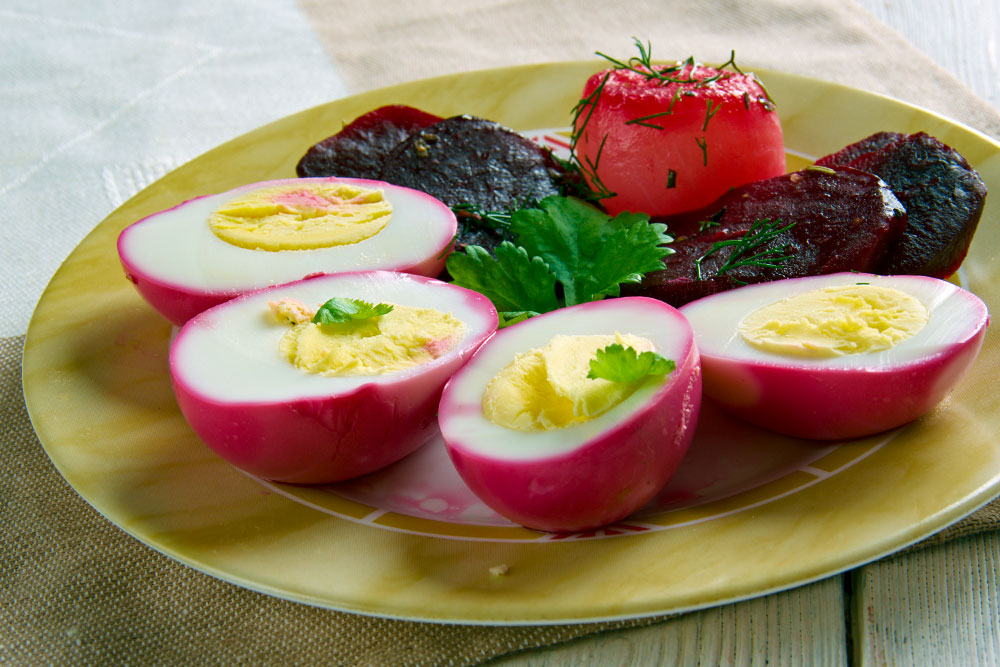
PA is a pickle-lovers paradise.
Do you think a good brine deserves more shine? We've got the perfect adventure for you! Hit the trail and treat your tastebuds to some tangy treats.
Image
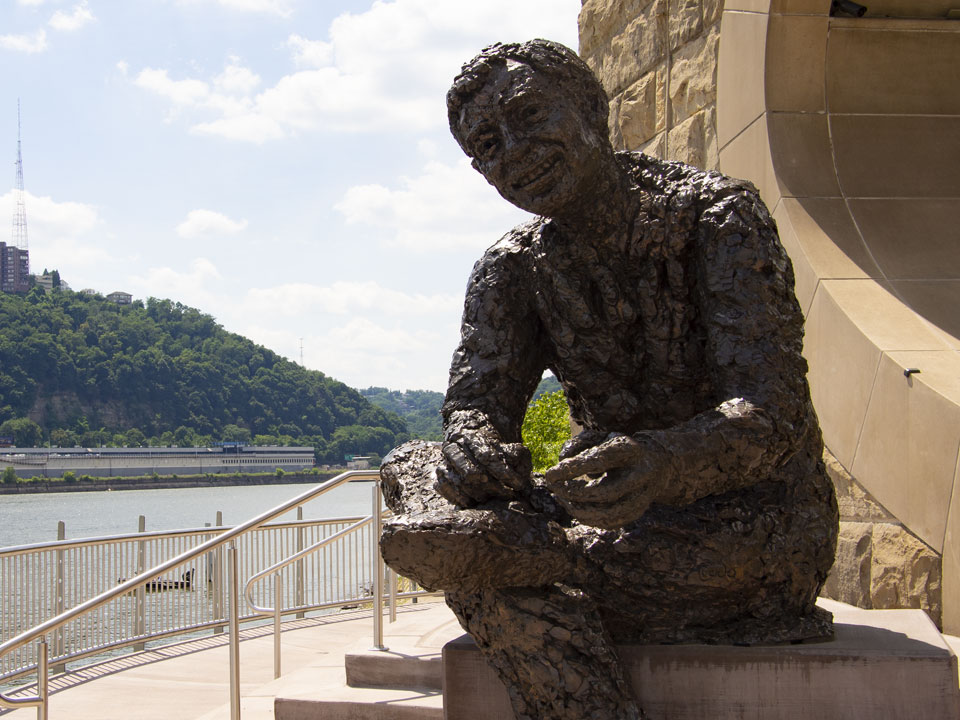
Say "hello" to PA's favorite neighbor!
Fred Rogers isn't just a PA icon—he's an inspiration. Take some time to get to know the man himself!